Free plan - unlimited rules
Set the rules of your store
Minimum and maximum order quantity, order value and weight - enforced by Shopify checkout itself, not just decorated on the page. Write a rule once; every cart follows it.
- Unlimited rules
- No credit card
- Real support on the free plan
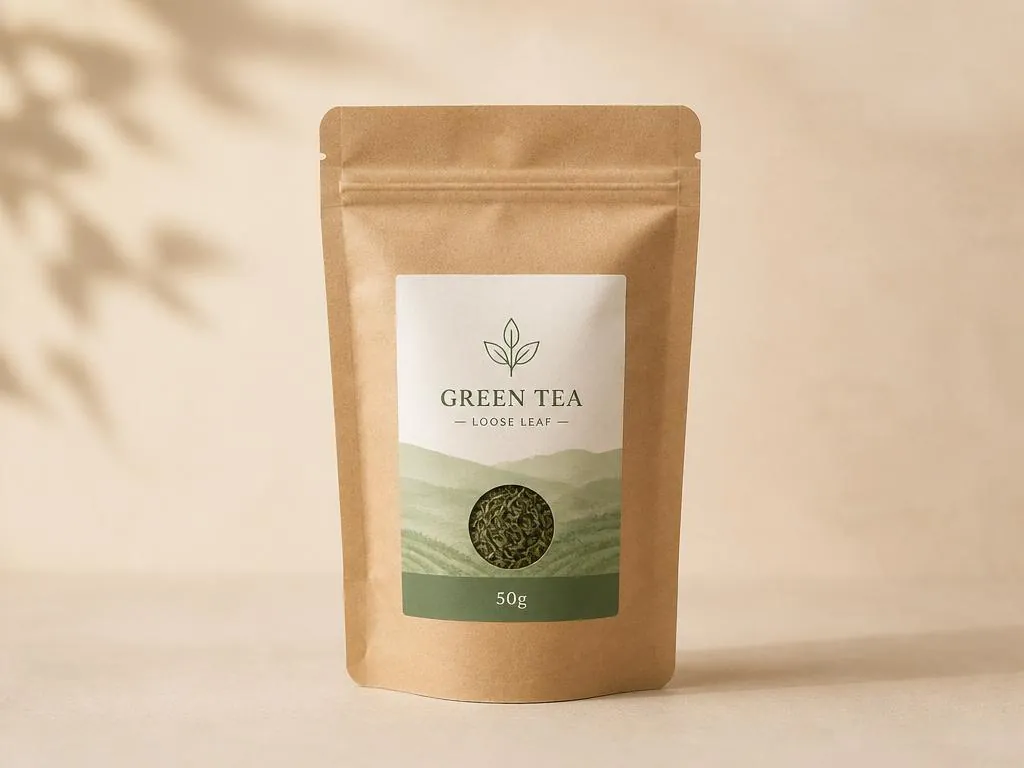
Wholesale Green Tea 50g
$12.50 - per unit, 0.5 lb
$37.50 in cart
For bulk orders, please click Contact us
Live demo - this is exactly what your customers see.
What it controls
One app, three kinds of limits
Mix and match them on any product, collection, tag, variant or the whole cart.
Quantity
Minimum 6 per order, maximum 2 per customer, sold in packs of 12. Per product, collection, tag, variant or the whole cart.
Order value
Add a money floor on top of your quantity rules: whole cartons and a $100 wholesale minimum on the same products, for one tag or one collection.
Weight
Keep carts inside your carrier's limits: minimum 10 lb, maximum 100 lb.
Not sure which limit you need?
Choose what you want to control and enter a sample cart. The free planner recommends a rule type and shows pass or fail with the formula. No install or sign-up.
How it runs
Enforced, not decorated
A storefront message alone can be skipped: Buy Now, an edited cart or a cart link goes straight past it. Prime MOQ compiles your rules into a Shopify Function that runs inside checkout itself, so drawer carts, Buy Now buttons and cart links meet the same rule. Zero extra network calls, nothing to toggle.
Watch it work
One minute, from rule to checkout
The same walkthrough from our Shopify listing: write a rule, try to break it in the cart, watch checkout enforce it.
Case studies
Built for the orders that hurt
Minimum order quantity
A beverage wholesaler stops buyers breaking a case of 6.
See the ruleMaximum order quantity
A parts retailer stops one order clearing the shelf.
See the ruleSell in pack multiples
A candle maker makes the box and the order the same thing.
See the ruleMinimum order value
A B2B food supplier refuses carts that lose money.
See the ruleWeight limits
A tile store keeps carts inside what the carrier will take.
See the ruleLimit quantity per customer
A collectibles brand stops resellers coming back for more.
See the rule
Compare
How the free plan compares
| Feature | Prime MOQ free | Other order limit apps |
|---|---|---|
| Free plan | Available | 82 of 170 other apps publish one |
| Rule limit on the free plan | Unlimited | 22 of 75 free plans state a limit |
| Checkout enforcement | Online Store checkout | Varies by app and plan |
App Store figures, last updated November 9, 2026.
See the full comparisonWhat the free plan includes. Unlimited rules and all three limit types, enforced at Online Store checkout. Pro adds automation and advanced targeting on top.
FAQ
Questions merchants ask
Is it really free?
Yes. The Free plan has unlimited rules and all three limit types, with checkout enforcement on. Pro adds automation and advanced targeting on top of it.
Does it work with my theme?
Yes. The limit message is an app block you place with the theme editor, so there are no code snippets to paste and nothing to remove if you change theme.
Does it block checkout or just show a message?
Both. Customers see a polite message on the product page and in the cart, and checkout enforcement is always on, including drawer carts, Buy Now and cart links.
Can I limit only wholesale customers?
Yes. Scope any rule to customer tags and countries, so wholesale rules never touch a retail shopper.
Do I need Shopify Plus to block checkout?
No. Prime MOQ uses a cart and checkout validation function, which is available on every Shopify plan. There is no checkout script and no extension that requires Shopify Plus.
What about support?
Real support on the free plan, with replies within 24 hours.
Will my plan change after I install?
Your price won't. You keep the price you installed at unless you choose to change plans. Features can be added or removed over time, but the number of rules and the three rule types (quantity, value and weight) stay unlimited. More detailed targeting and automation are on Pro.
Which languages is the app available in?
Nine. The Prime MOQ admin is available in English, French, German, Italian, Spanish, Portuguese, Japanese, Simplified Chinese and Traditional Chinese. It opens in the language of your Shopify admin, and you can change it under Settings, Language. The limit messages your shoppers see are written separately, for each language your store publishes.